
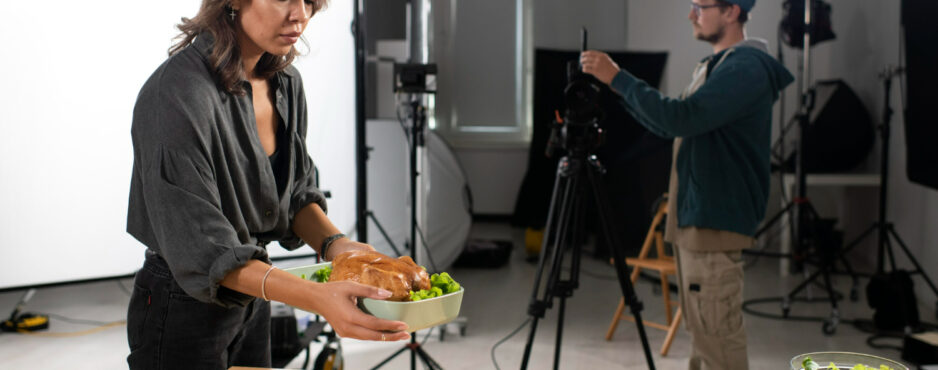
Stock Footage for Restaurant and Food Promos: Elevating Culinary Marketing

In the highly competitive food and hospitality industry, visually compelling content is essential for attracting customers and building brand identity. Restaurant and food promotional videos rely heavily on high-quality visuals to showcase dishes, ambiance, and overall dining experience. Stock footage has become a powerful tool in achieving this, allowing businesses to create professional marketing materials efficiently. With platforms like Adobe Stock offering extensive libraries, producing eye-catching food promos is more accessible than ever.

The Power of Visual Appeal in Food Marketing

Food is inherently visual, and customers often make dining decisions based on how dishes look. High-resolution, well-lit footage of meals being prepared or served can instantly stimulate appetite and interest. Stock footage helps capture these moments in a polished and cinematic way, making promotional videos more engaging.

Beyond the food itself, visuals of restaurant interiors, chefs at work, and satisfied customers contribute to storytelling. These elements create an emotional connection, helping viewers imagine the full dining experience.

Types of Stock Footage for Food Promotions

Choosing the right footage is crucial for delivering an effective message and showcasing your brand.

Food Preparation and Cooking Scenes
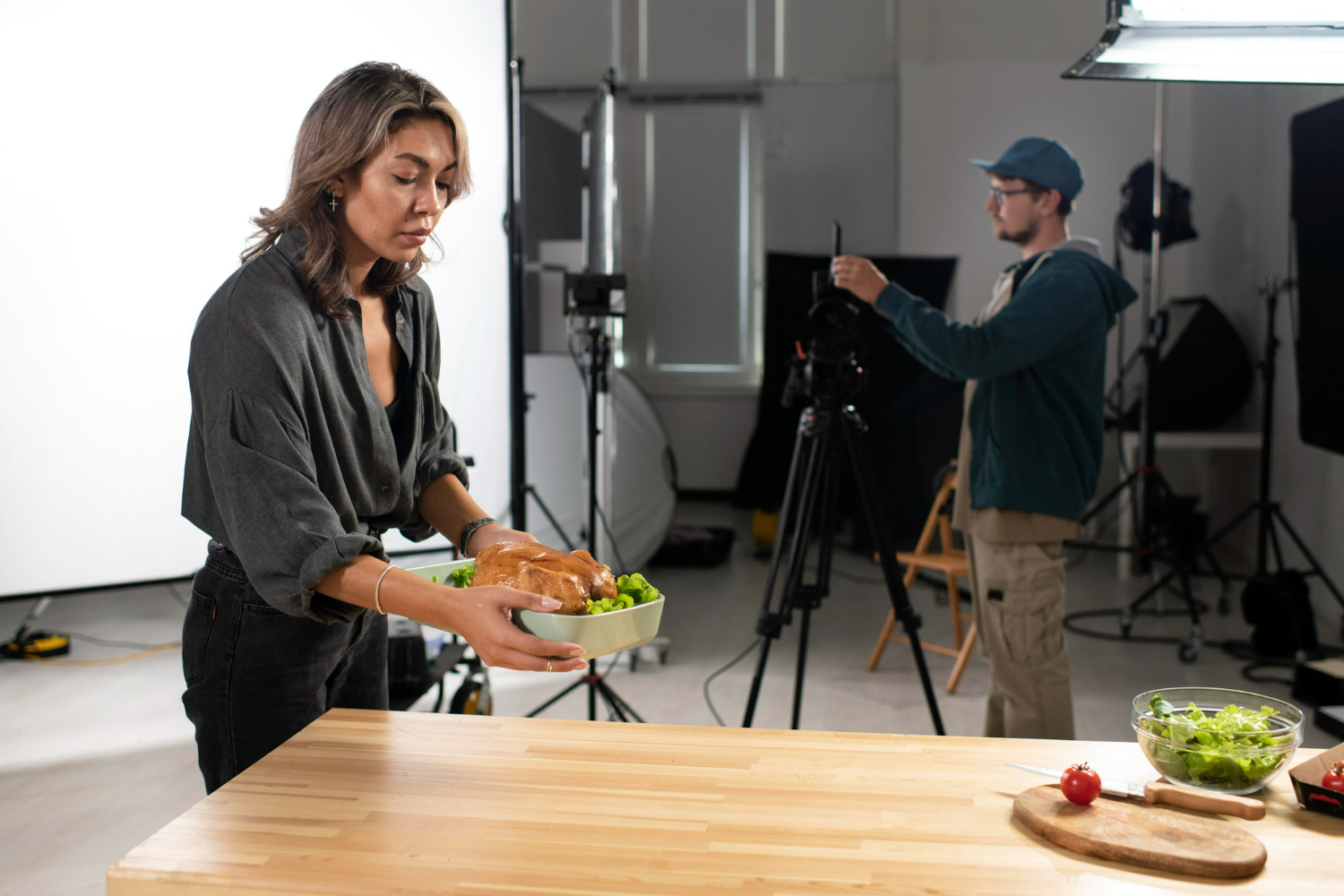
Clips of chefs chopping ingredients, grilling meats, or plating dishes highlight freshness and craftsmanship. These visuals emphasize quality and attention to detail.

Close-Up Food Shots
Macro shots of dishes—such as sizzling steaks, melting cheese, or freshly baked pastries—are highly effective in capturing attention. These visuals are often the centerpiece of food promos.

Restaurant Atmosphere
Footage showing the ambiance, décor, and customer interactions helps convey the overall experience. Whether it’s a fine dining restaurant or a casual café, these visuals set the tone.

Lifestyle and Dining Moments
Scenes of people enjoying meals, sharing conversations, and celebrating occasions add a human element to your videos, making them more relatable.
Where to Source High-Quality Food Footage

There are numerous platforms where creators can find stock footage tailored to restaurant promotions.

Free Platforms
Websites like Pexels and Pixabay offer a range of food-related clips. While useful for smaller projects, their selections may be limited in variety and style.

Premium Platforms
Services such as Adobe Stock, Shutterstock, and Envato Elements provide extensive collections of professional-grade food footage. These platforms offer high-quality clips with consistent lighting, composition, and style, making them ideal for commercial use.

Best Practices for Using Stock Footage in Food Promos

To create impactful restaurant videos, it’s important to use stock footage strategically.

Maintain Brand Consistency
Ensure that the visuals align with your restaurant’s identity, including color tones, mood, and presentation style.

Focus on Quality and Detail
High-resolution footage with sharp details enhances the perceived quality of your food and brand.

Use Smooth Transitions and Editing
Seamless transitions between clips create a polished and professional final product.

Highlight Signature Dishes
Prioritize visuals that showcase your most popular or unique menu items to attract attention.

Final Thoughts

Stock footage is an invaluable resource for restaurant and food promotions, enabling businesses to create visually stunning content without the need for extensive production resources. Platforms like Adobe Stock provide access to a wide range of high-quality clips that can elevate your marketing efforts. By carefully selecting and integrating the right visuals, restaurants can craft compelling videos that entice customers, strengthen brand identity, and ultimately drive more business.

Turn Your Adobe Stock Extended License Into A High-Performing Machine

Have you thought of using stock photos as a basis for your business? Honestly, it doesn’t matter what industry you’re in – you can still cash in big time on stock photos.

You can be in the auto industry, fitness industry or even food industry. Every one of these industries stands to profit from Adobe’s extended license program. Click here for additional info.

Are you ready to learn how? Let’s take a close look at what you can do to earn an extra revenue stream.

There’s More to Adobe Than Meets the Eye

If you didn’t know it already, Adobe purchased Fotolia in December 2014 for $800 million. Their libraries are identical. In fact, if you visit though Fotolia website, you’ll notice a little red icon in the upper left corner that this happens to be Adobe’s logo.

If you were a photographer, and you wanted to contribute to Adobe’s library, they will send you straight to Fotolia to sign up. The two work hand in hand.

It’s all good and well knowing that Adobe carries the same stock photos as Fotolia. But there’s more to the picture than meets the eye.

I’m talking about their extended license.

Royalty-Free or Extended License – What’s the Difference?

Most the time, when it comes to downloading pictures from any standard stock photo library, a royalty-free license comes with it. Adobe follows the same industry standard. When you sign up for Adobe Stock (free trial here), the number of downloads you get with your subscription refers directly to the royalty-free license.

What’s the difference between royalty-free and extended? I’m glad you asked.

Royalty-Free License

Royalty-free licenses are the default license for just about every stock photo agency out there. The whole idea is as you can license an image for almost unlimited use without paying royalties to either the photographer who took the picture or the stock photo agency. Once you license an image, it will always be tied to your account with that agency. It has no expiration dates and you can reuse them on multiple projects. These licenses are generally nontransferable between one person and the next and permit worldwide use without geographical restrictions.

Extended License

An extended license is often referred to as a royalty-free extended license. This allows you to use the image on derivative products, while the standard royalty-free license does not. Derivative product examples include T-shirts, mugs, holiday cards and more. Basically, it means that you may use that image on a single medium multiple times and then sell it for a profit.

For low-volume use, you get more for your money by getting an extended license on the image. Low-volume use is defined as 500,000 or fewer impressions. Most people don’t need more than that – if you’re not in the business of printing these products exclusively.

To purchase an extended license on any of Adobe’s images, you must purchase it through Fotolia. They explain exactly how it works right here.

How to Turn Your Extended License into a High-Performing Machine

An excellent way to use these extended licenses is for promotional products. If you wanted to hand out T-shirts for your entire company, you could – provided you don’t have a Fortune 500 company with millions of employees. Most people don’t have that. Instead, they have a small business, making an extended license a perfect solution.

If you wanted to create 500 T-shirts with an image printed on it, you could do that – and then turn around and sell them for a small profit. You can do the same things with mugs, calendars and more. The possibilities are almost limitless. Choose your image, decide what you want to print and what you want to print them on, purchase a license and then print away to your hearts’ content. Read here to get info https://www.stockphotosecrets.com/agencies/reviews/adobe-stock-review.html.

How to Get Started and Get 10 Free Downloads

Before you go off and start purchasing extended licenses, take a good look at Adobe’s library and get a feel for the kind of images they offer. You can do this by signing up for an account with their Creative Cloud and taking advantage of their free download offer.

Right now, with every new creative cloud account, Adobe will offer you 10 free downloads. If you take a look at the pricing model, you’ll figure out that Adobe charges $49.99 for 10 images. By offering the same 10 images for free, they’re literally giving you $50 worth of images.

How Adobe Disrupted the Stock Photo Industry

Adobe disrupted the stock photo industry in June 2015 when they are rolled out Adobe Stock. It took about six months since the purchase of Fotolia to roll it out, but it was worth it. When they did that, they did what no other stock photo agency has ever done.

They integrated Adobe Stock with all of their software titles. You may be familiar with some of them such as Photoshop or Dreamweaver. Now, instead of having to go to an external website to purchase your stock photos, you can make the same purchases without ever leaving your favorite photo-editing app. That means you don’t need to go to the website, find the image you’re looking for, download it, and finally import it into the software of your choice. All that is now streamlined and done automatically for you by giving you the ability to browse the library from within the application. Pretty nifty, eh?